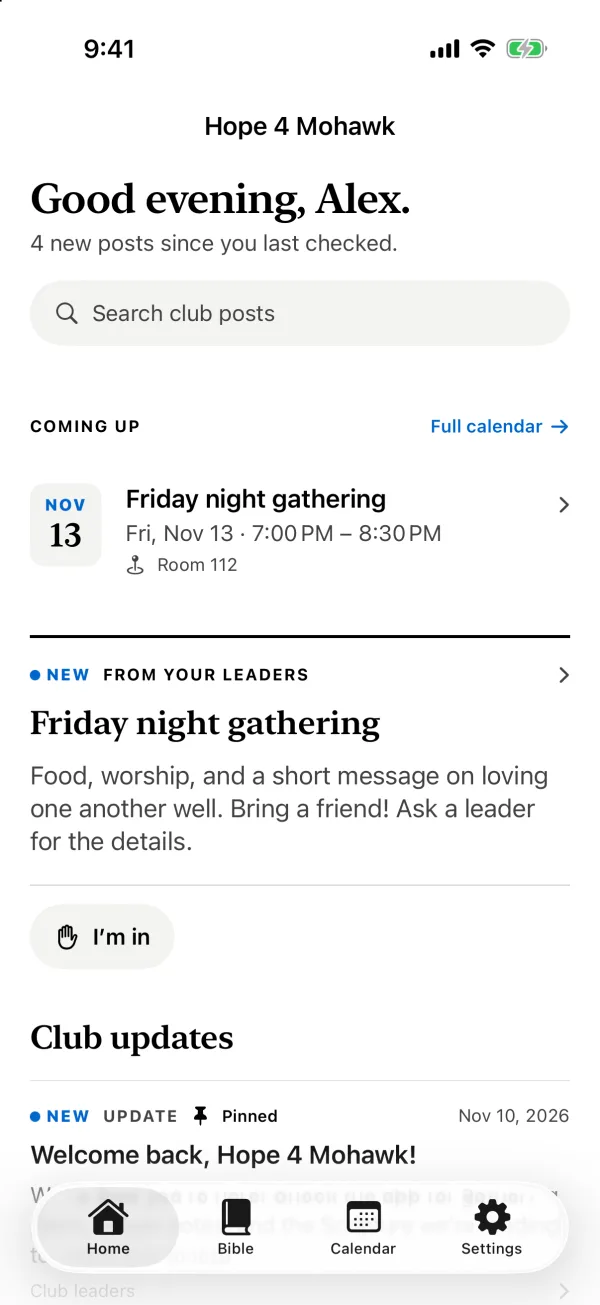
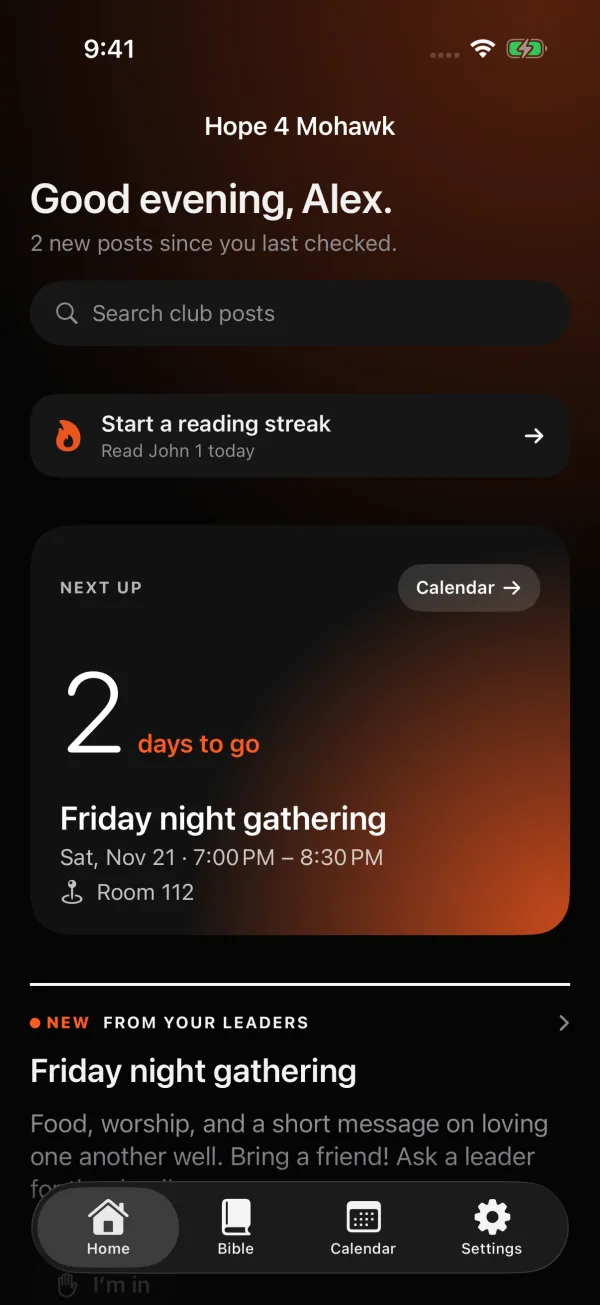
Home: what's new, at a glance.
The latest posts from your club leaders, a countdown to the next gathering, and a verse for the day. Search every old post from the bar at the top.
 HOPE 4 MOHAWK
Get the app
The Hope 4 Mohawk club app
News, gatherings and Scripture from your club leaders, all in one place. Free on iPhone and iPad. No email, no password, no ads.

On a computer?
Point your iPhone camera here to get the app.
What's inside
The latest posts from your club leaders, a countdown to the next gathering, and a verse for the day. Search every old post from the bar at the top.
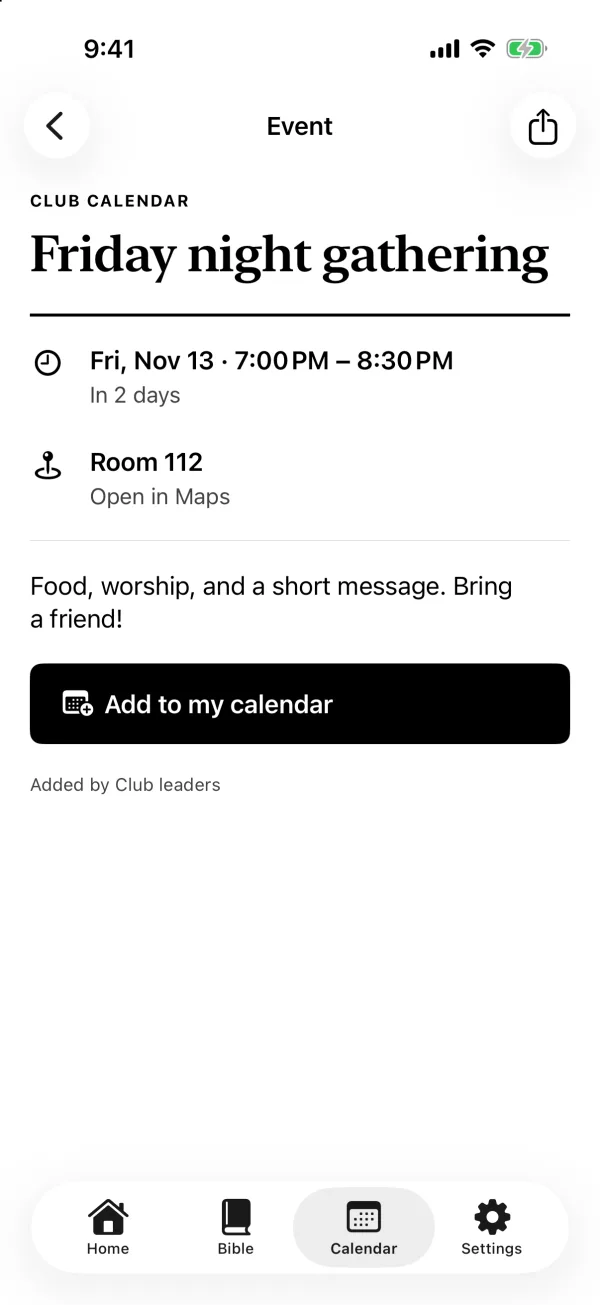
Every gathering and event in one place, with the time, room and details. Leaders add events in seconds, and everyone sees them right away.
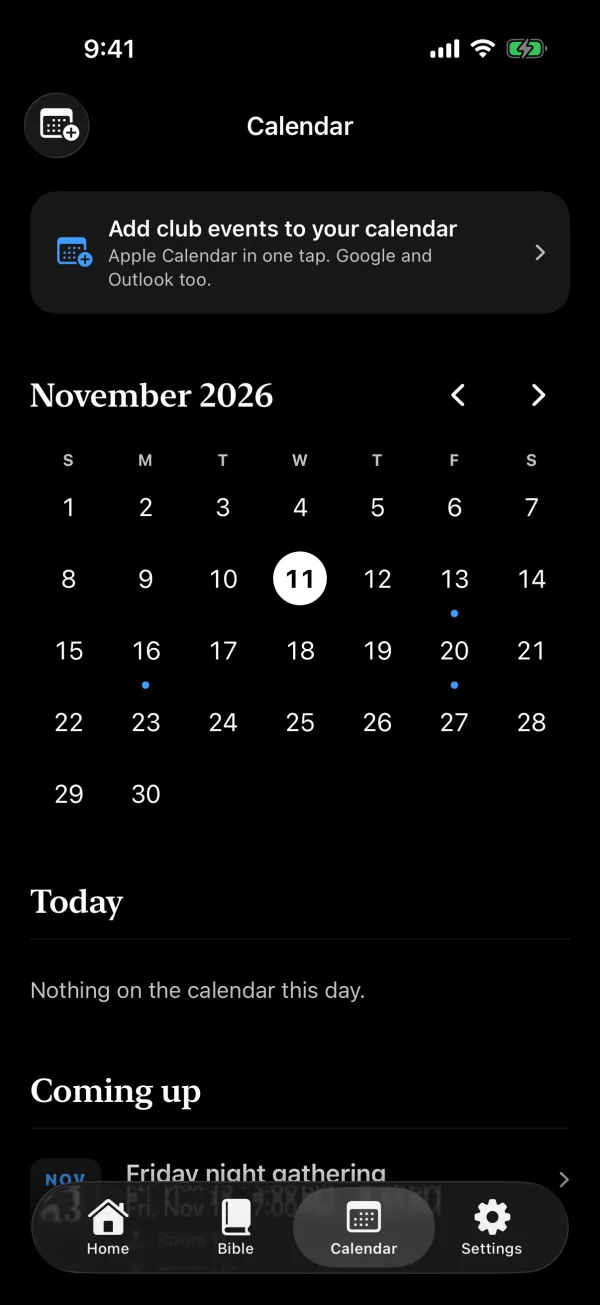
Turn it on once. New events, changes and cancellations show up in Apple Calendar by themselves, plus a reminder on gathering day. Google Calendar and Outlook work too.
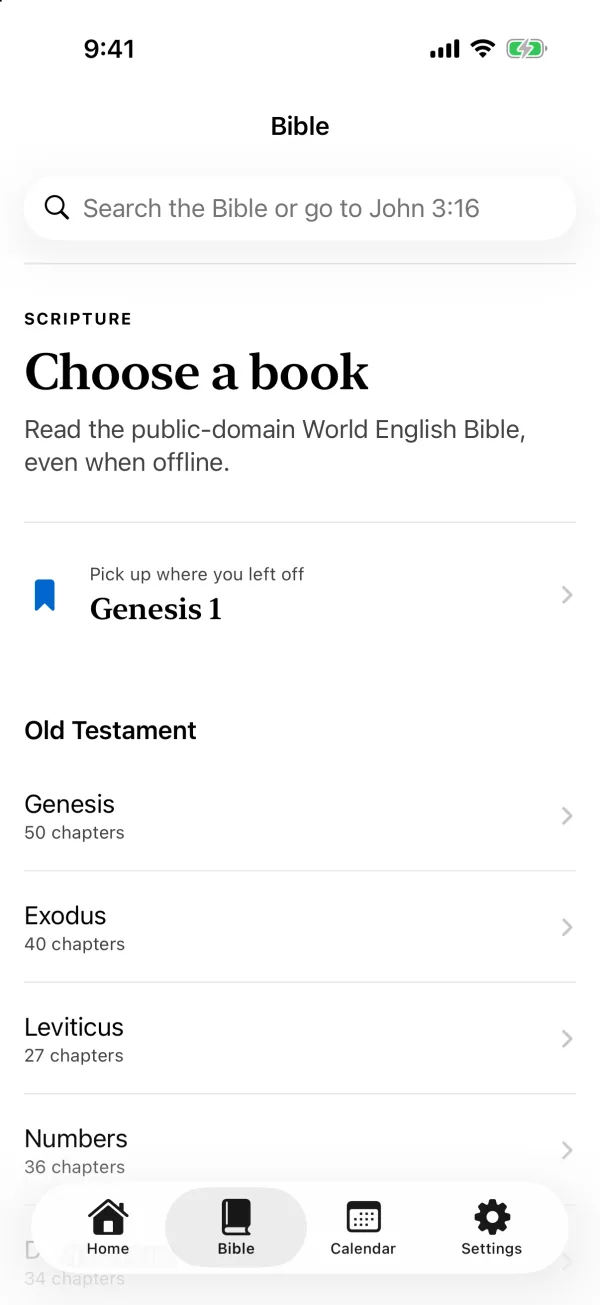
All 66 books of the World English Bible, searchable, with no signal needed. Pick up where you left off, keep a reading streak and save the verses you love.
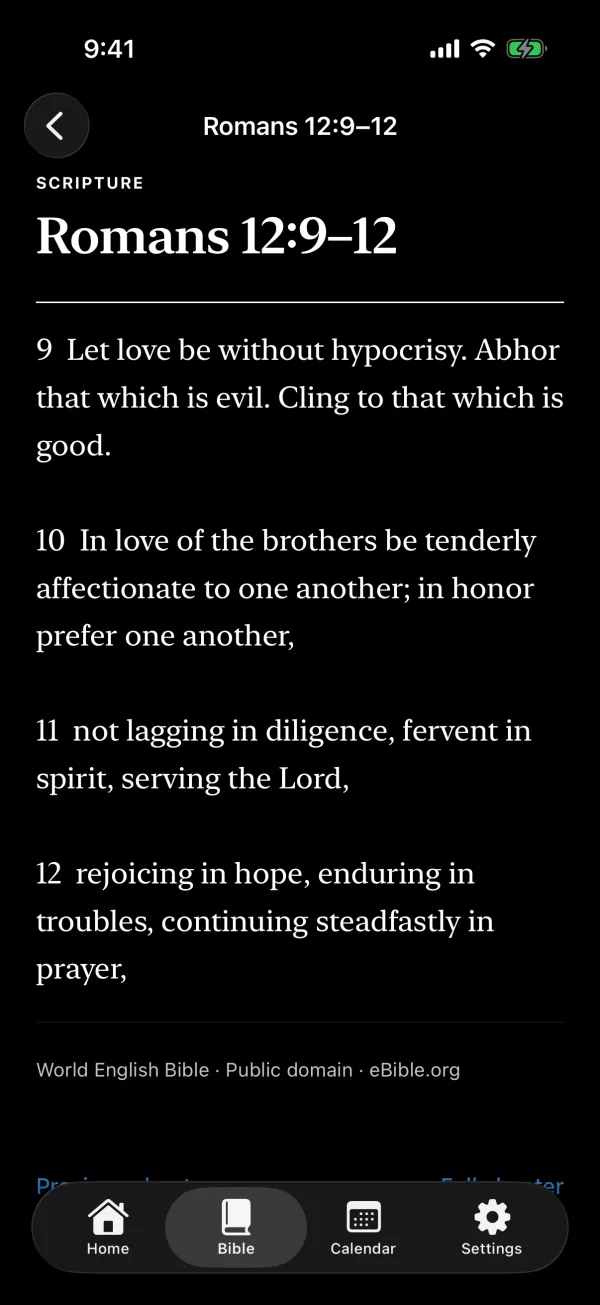
When a leader mentions a verse in a post, tap it and it opens right in the Bible. Try it:
For God so loved the world, that he gave his one and only Son, that whoever believes in him should not perish, but have eternal life.
John 3:16 · World English Bible
And a lot more
Leaders can add up to six photos to a post. Tap one to see it full screen.
A heads-up a couple of hours before, and a ping when leaders post something new. You choose what you get.
Students get streak nudges. Parents get the full list of what's coming up.
A layout built for both, in light or dark mode.
Make it yours Coming in 1.3
Pick a look and this whole page changes, just like the app does.
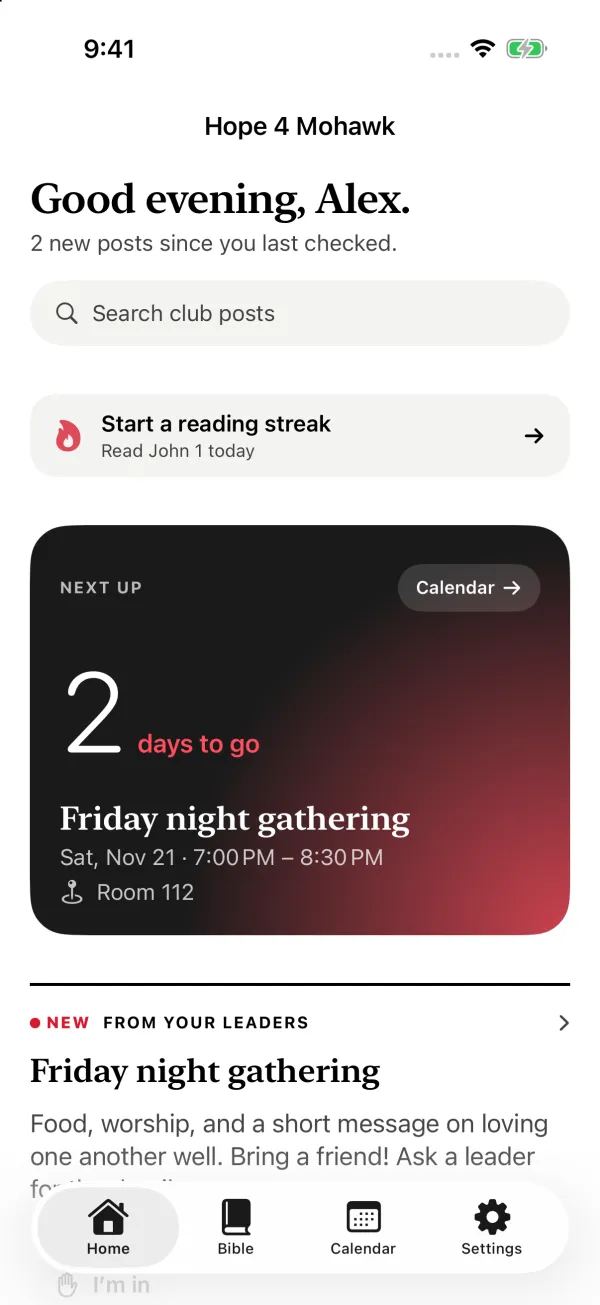
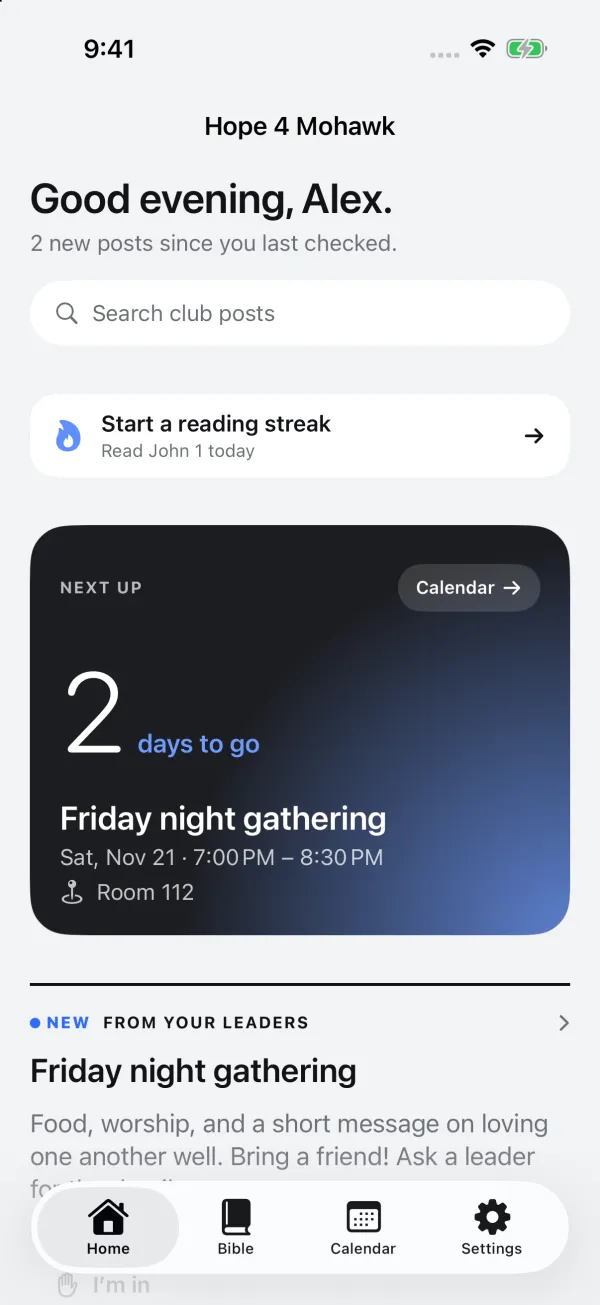
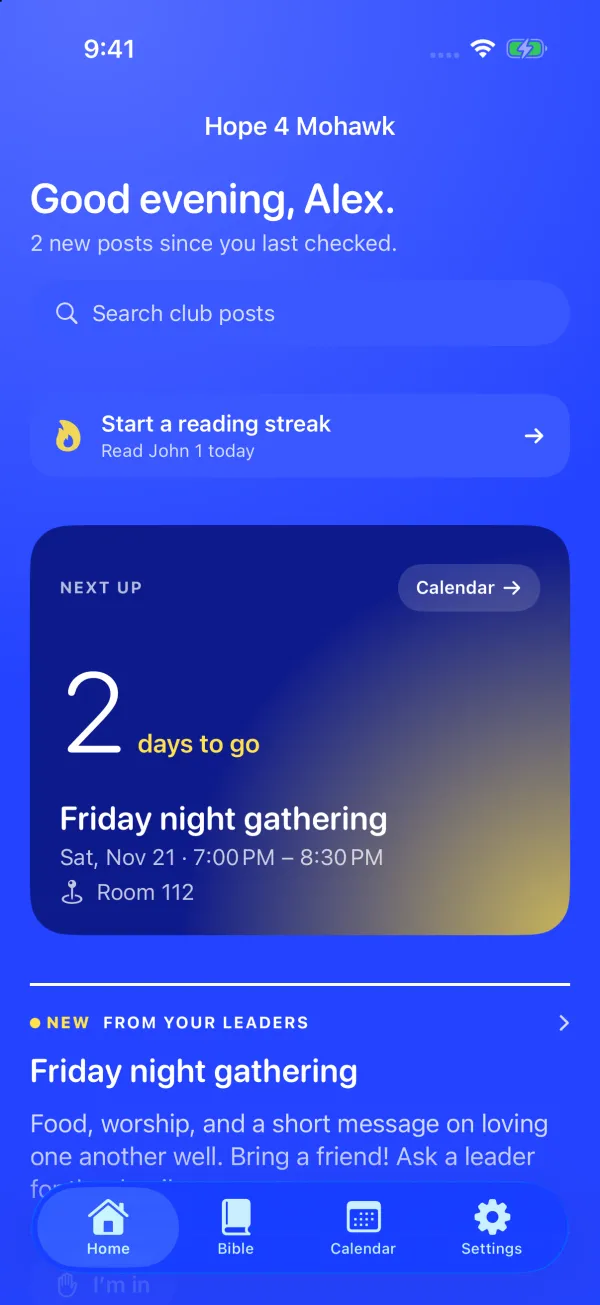
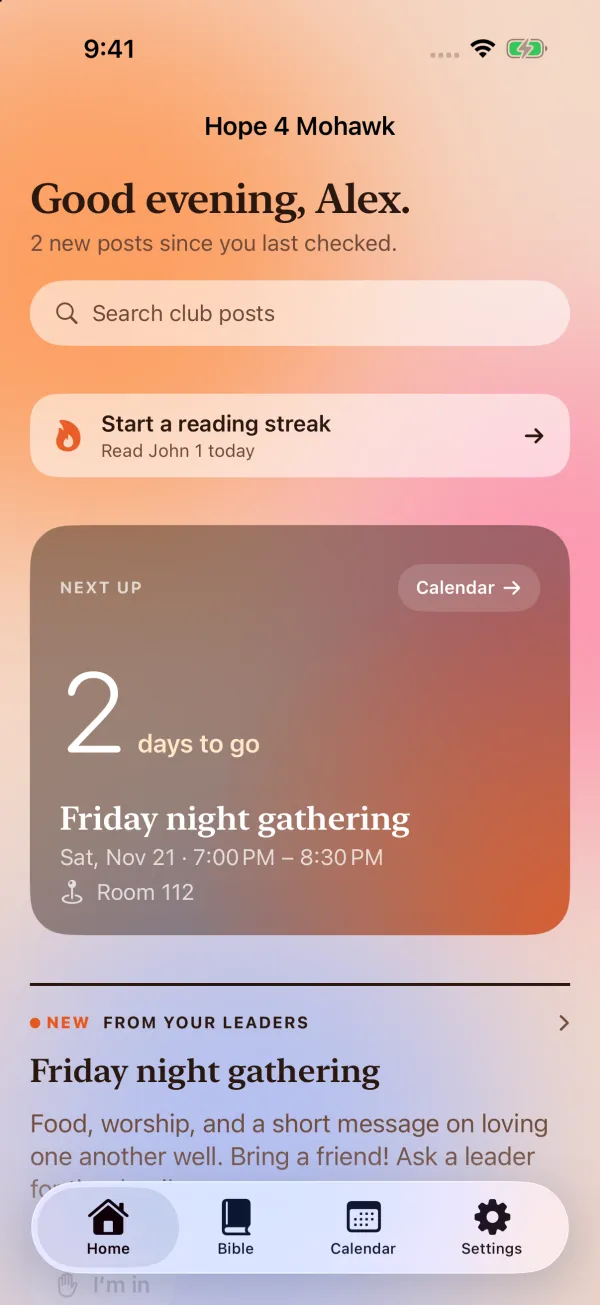
Seven app icons Coming in 1.3
Getting started
Free on the App Store for iPhone and iPad.
A quick club question shows you're part of Hope 4 Mohawk.
That's it. No email, no password, no account to remember.
Private by design
FAQ
Yes. There are no ads, purchases or subscriptions.
The app is on iPhone and iPad today. An Android version is in the works.
Open the Calendar tab and tap Add to Apple Calendar, then allow access. The app keeps its own "Hope 4 Mohawk" calendar up to date. You can turn it off in Settings any time.
In the app, open Settings → Name.
Settings → Stay in the loop. You can also change them in the iPhone Settings app under Hope 4 Mohawk.
Open Settings → Your data → Delete my account and data. If that doesn't work, see the full steps or email us.
Admin codes can be used once and expire after ten minutes. Ask the club organizer for a new code. Don't send the code by email.
Email the post title and explain the issue. A club organizer can edit, unpin or remove it.
Support
For app problems, privacy requests, or a concern about a club post, email the club organizer:
Please don't include passwords, admin codes, or private student details in your message.